How to Create a Balanced Baseball League Schedule for Multiple Teams
The Scheduling Challenge
Scheduling a baseball division with 6, 8, or 10 teams isn't just about picking dates. You need to balance:
- Home/away distribution
- Field availability and conflicts
- Coach and umpire availability
- Rest time between games
- Division balance (every team plays every other team)
Get it wrong and you'll spend the entire season rescheduling. Get it right and the season runs itself.
Step 1: Gather Your Constraints
Before building the schedule, collect:
Fixed constraints:
- Available fields and their unavailable dates (school events, other leagues)
- Season start and end dates
- Days of week permitted (weekdays, weekends, or both)
- Game duration and spacing (no back-to-back games for same team)
Preferred constraints:
- Teams prefer playing close to home
- Avoid scheduling on major holidays
- Balance early/late start times
Step 2: Choose a Schedule Format
Single round-robin: Every team plays every other team once. Simple and clean for short seasons.
Double round-robin: Every team plays every other team twice (home and away). Better fairness, requires more games.
Modified round-robin: Every team plays every other team, plus extra games against nearby rivals. Good for 8+ team divisions.
For 8 teams, single round-robin requires:
- 28 total games (each team plays 7)
- 14 game slots per week with 2 fields = 7-week season
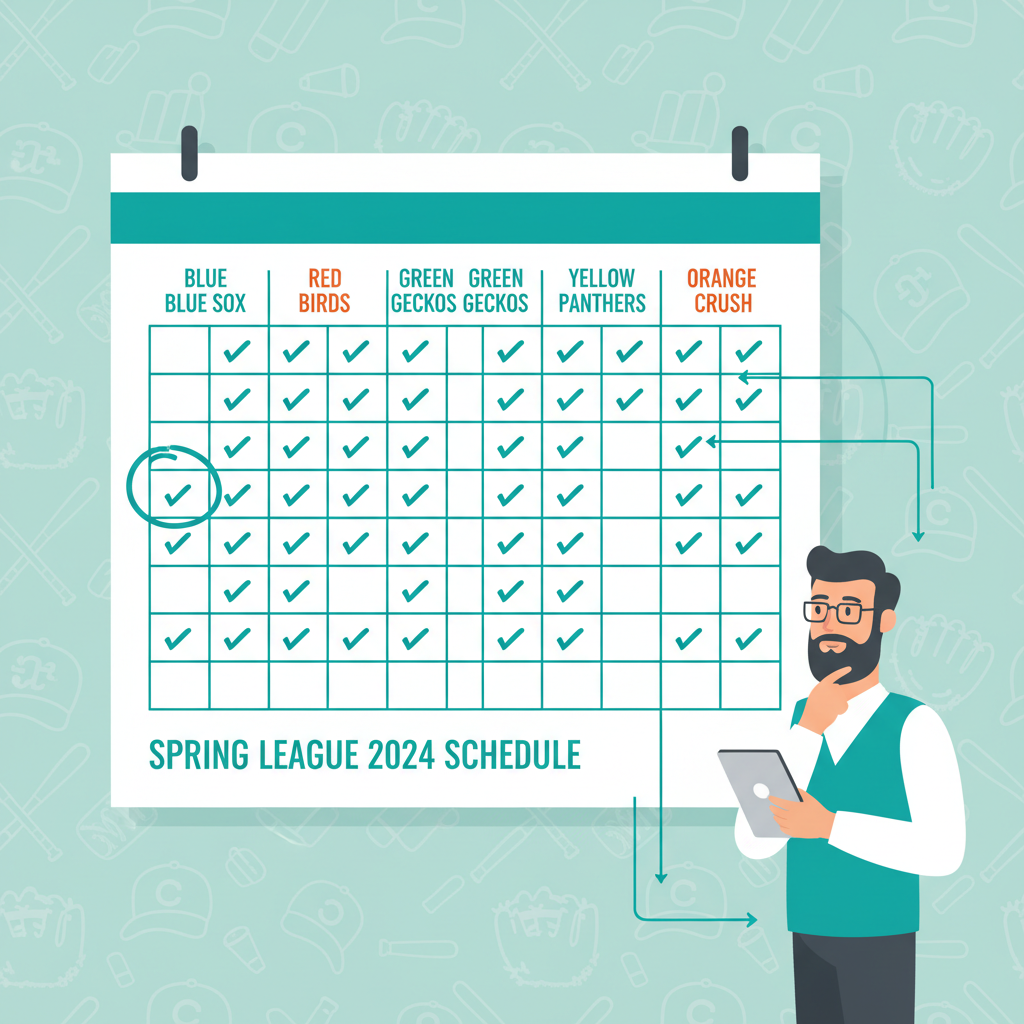
Step 3: Build the Matrix
Create a grid where rows = teams and columns = teams. Mark each matchup as it gets scheduled. Your goal: fill every cell exactly once (for single round-robin).
Manually, this is tedious. Most administrators use one of:
- Excel round-robin formulas
- League management software with auto-scheduling
- Tournament bracket generators
Step 4: Assign Dates and Fields
Once you have the matchup matrix, assign each game to a date-field combination:
- Place the highest-conflict constraints first (a team with only Tuesday availability goes first)
- Balance field assignments so no field is overused
- Check for back-to-back game issues for each team
- Reserve 2–3 make-up slots at the end of the season
Step 5: Review and Publish
Before publishing:
- Verify every team has the correct number of games
- Check no team plays twice on the same day
- Confirm all field assignments are available
- Share the draft with coaches for a 3-day review period
After approval, publish the schedule and share directly with coaches and parents.
Using Auto-Schedule Generation
Modern league software can generate a complete round-robin schedule in seconds. The process:
- Enter teams, fields, and available dates
- Set constraints (home/away balance, rest days)
- Click generate — the software builds a draft
- Review and adjust if needed
- Publish to coaches and parents
House League App's schedule generator handles all division scheduling with conflict detection and publishes directly to all coaches and parent accounts.
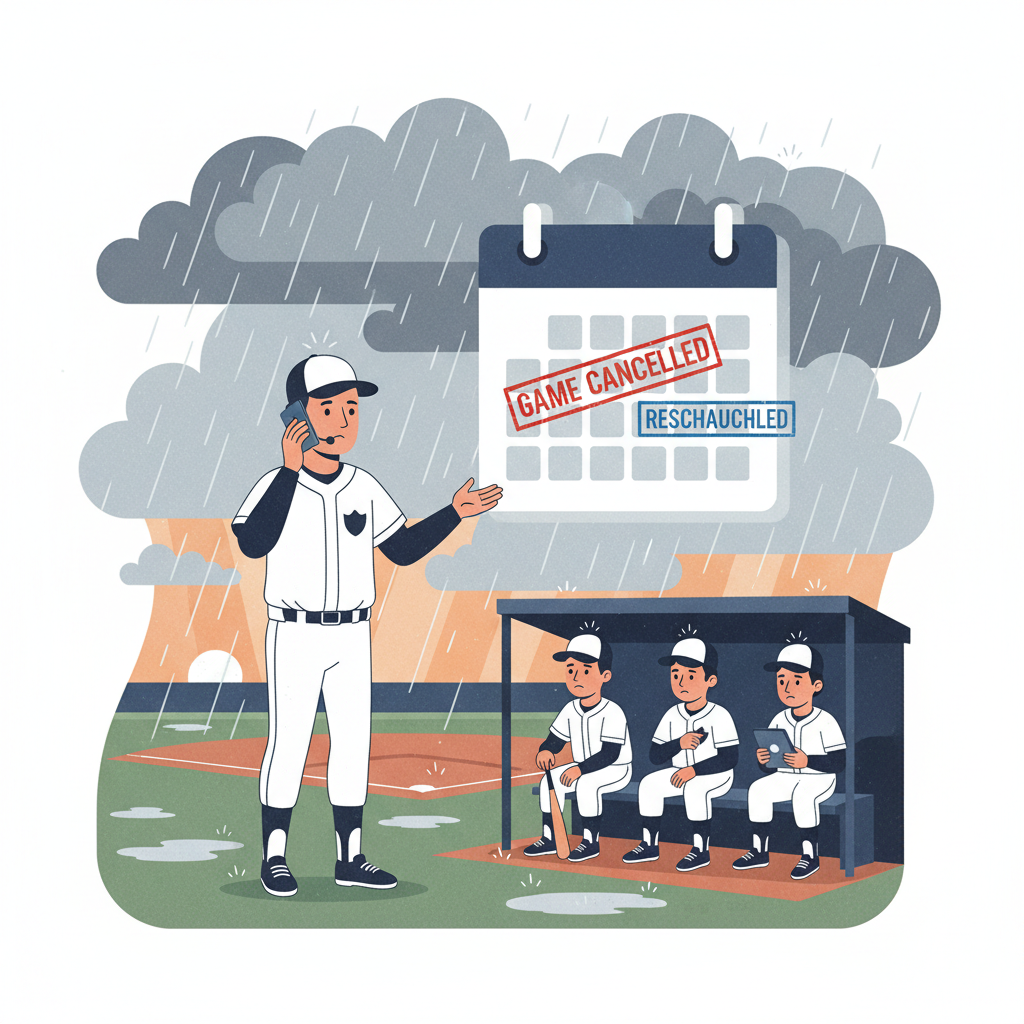
Handling Rainouts and Cancellations
Even the best schedule hits weather problems. Pro tips:
- Build make-up dates into the calendar upfront (last 2 weeks of season)
- Use a 'reschedule queue' — cancelled games go on a waitlist for the next open slot
- Communicate rescheduled dates within 24 hours of cancellation
Conclusion
A great league schedule makes the whole season smoother. Invest the time upfront — or use software to do it in minutes — and every coach, parent, and umpire will thank you all season long.
Ready to try House League?
The all-in-one baseball management platform for coaches and league admins.